03 / open source / 02 of 02
SysPulse XP, a Windows XP desktop in React
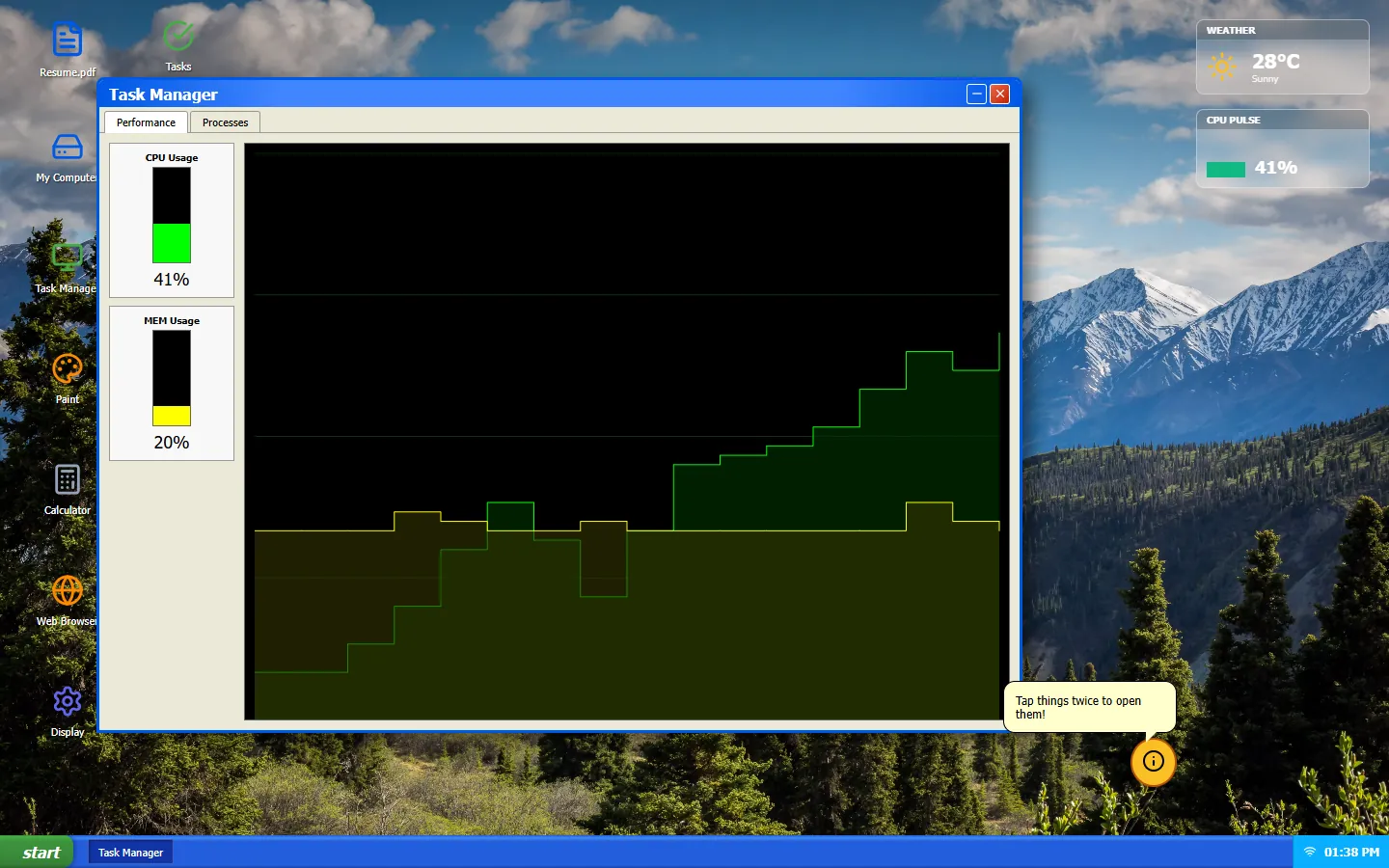
A Windows XP-style desktop in the browser, with a boot screen, draggable windows, a start menu, Clippy and a handful of small apps. The Task Manager graphs are simulated. Nothing on the page reads your real CPU.
What is on the desktop
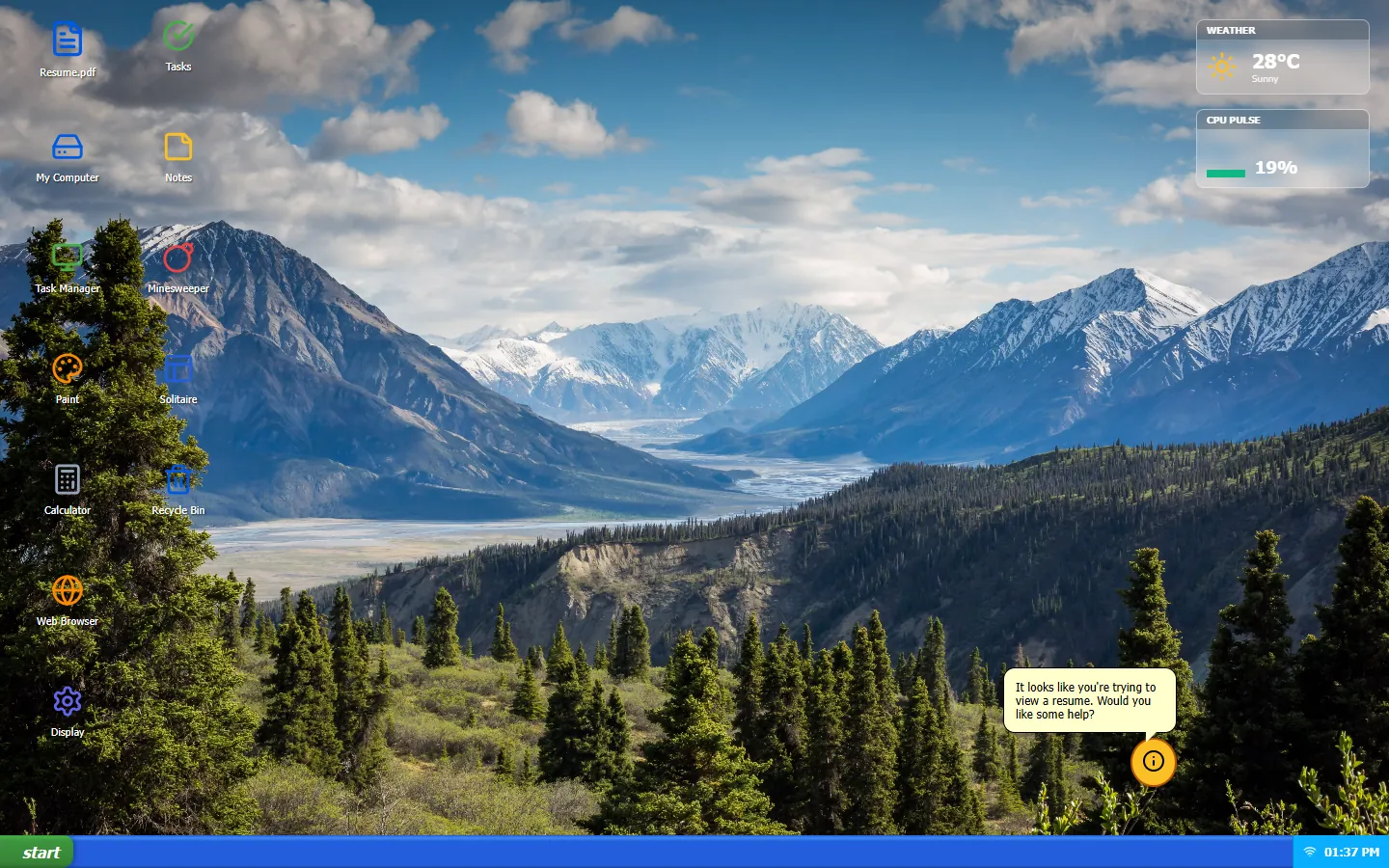
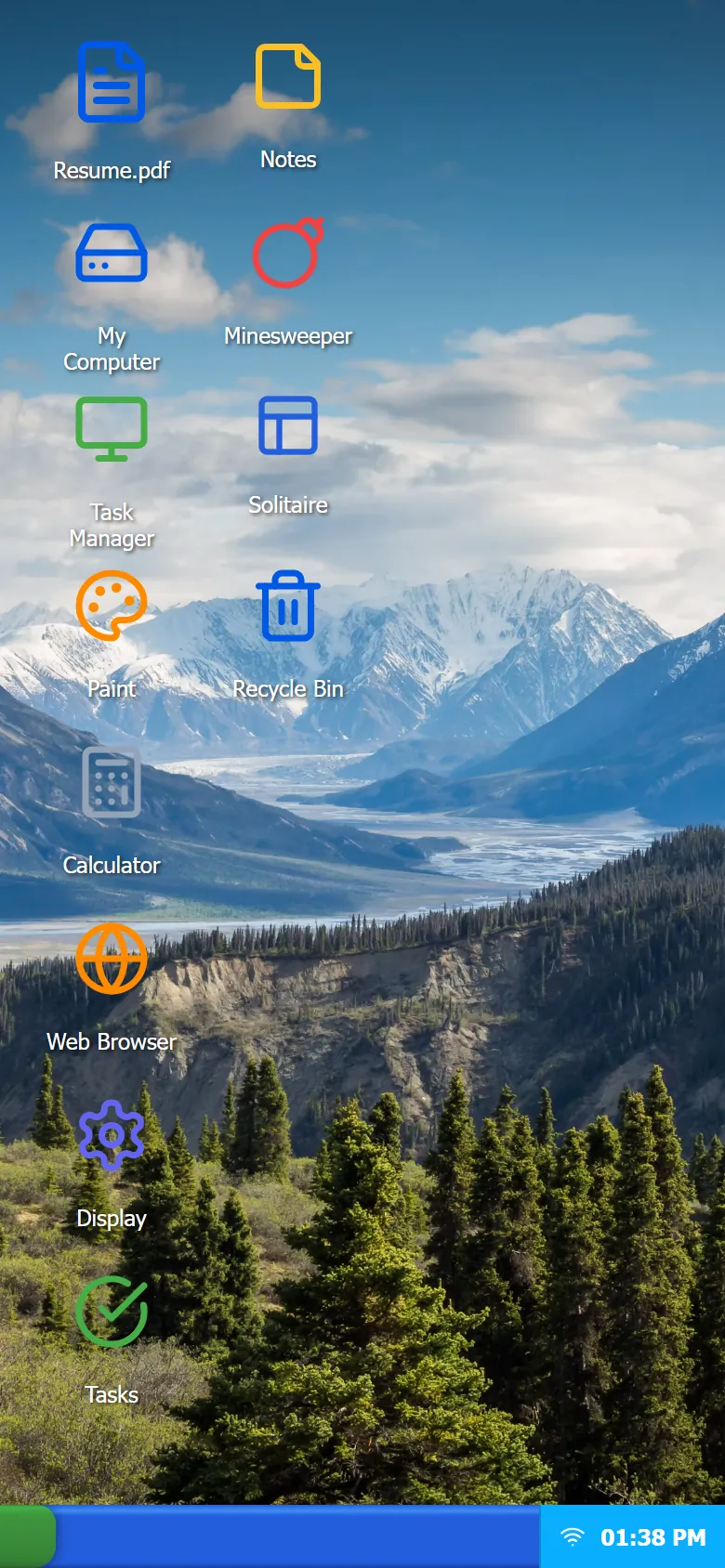
The desktop has icons for My Computer, Task Manager, Paint, Calculator, a web browser, display settings, a to-do list, notes, Minesweeper and Solitaire, plus a Resume.pdf that opens in a viewer. Right-click menus work on the desktop and in the file explorer. Opening System32, or choosing Shutdown from the start menu, gives you a blue screen.
Minesweeper is a working game on the 9 by 9 beginner board. The code defines the two larger boards as well, but nothing in the UI switches to them yet. Paint draws on a canvas with a brush and an eraser. Solitaire is a placeholder screen, and there is no media player.
It is React 19 on Vite, with framer-motion for dragging and Recharts for the Task Manager graph. The whole thing is about 1,500 lines of JavaScript, and App.jsx alone is 681 of them. It is live at computer.kumarmohan.com.
The boot screen and the fake telemetry
The boot screen is a fixed 4.5-second timer. Nothing loads behind it. It is there for the feel.
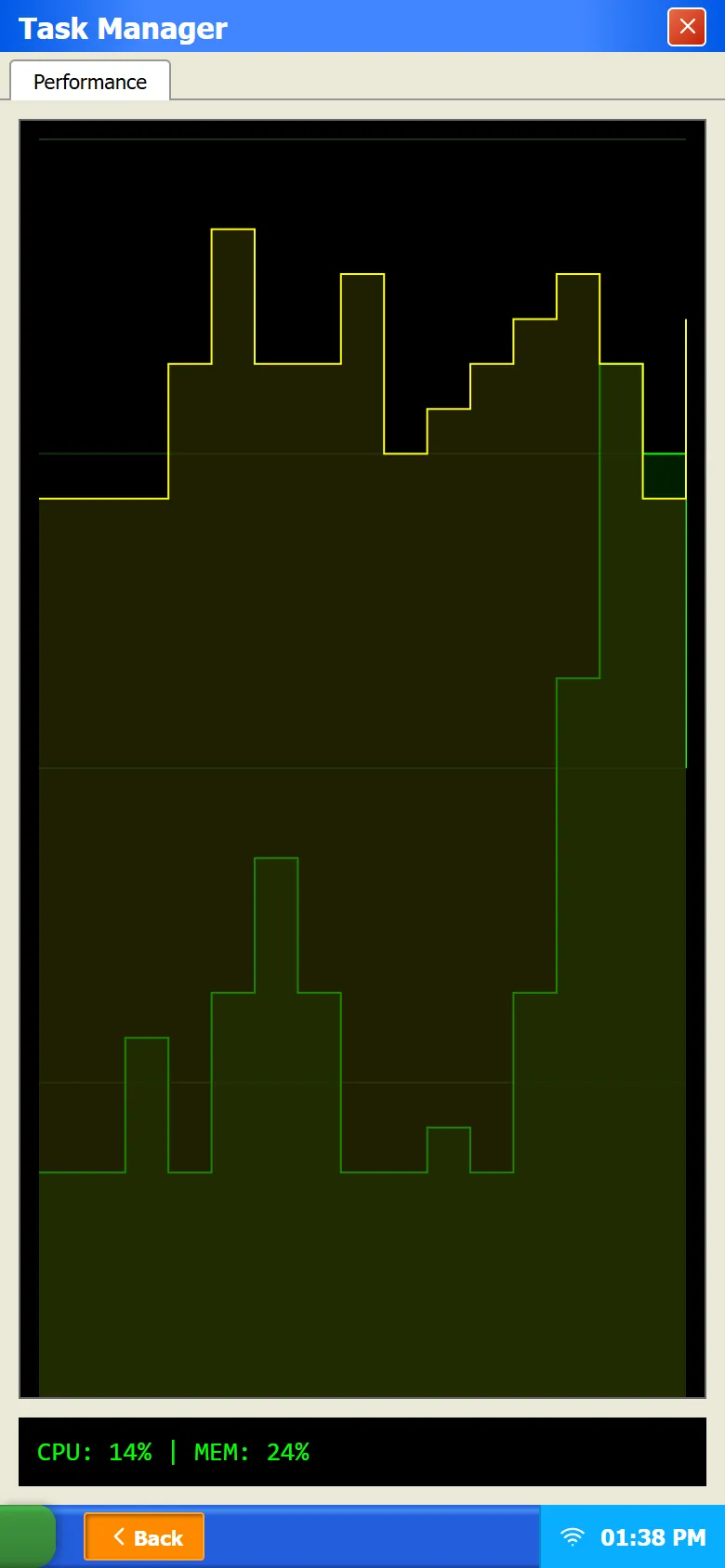
One interval, once a second, drives everything that moves: the taskbar clock and the Task Manager numbers. CPU load is a random walk. Each tick moves it by up to 7.5 points either way, clamped between 5 and 95 percent. Memory does the same in smaller steps, between 20 and 85 percent. The last 30 samples feed a stepped area chart, which is what makes it look like the real XP graph.
The only real reading in the code is navigator.deviceMemory, used as the memory total, and the first tick drops it from state. So the accurate description is simulated telemetry, and that is how the portfolio describes it.
Windows
Open windows live in one array in the app's state, keyed by app id, so each app has at most one window. Focusing a window sets its z-index to one more than the current highest. Opening an app that is already open brings it back from minimised and to the front instead of creating a second copy.
Dragging uses framer-motion's drag with momentum switched off, so a window stops where you let go. Below 768 px wide the desktop changes shape: dragging is off, windows open full screen, only the active one is shown, and the taskbar gets a Back button. Clippy stays hidden on small screens.
Files and the recycle bin
The file system is a tree of plain objects: a root, a C: drive, folders and text files. Updates are immutable. A recursive map rebuilds the path down to the changed node and leaves the rest shared. Every change is written to localStorage, so files you create survive a reload. On load, the saved tree is checked for the Desktop and Recycle Bin folders, and if either is missing it falls back to the default tree.
Deleting moves a node into the Recycle Bin folder. The drive, the WINDOWS folder and the bin itself refuse to move. Emptying the bin clears its children, and text files open in Notepad.
Screenshots
What broke
- The once-a-second interval updates state at the root of the app, so the whole desktop re-renders every second, even with Task Manager closed. At this size nobody notices, but the timer is in the wrong place.
- The browser app is an iframe. Anything that is not a URL is sent to a Google search URL, and many sites, Google included, refuse to load inside an iframe from another origin. A lot of what you type ends in a refused frame.
- The calculator evaluates its display string with eval. The string can only be built from its own buttons, so it cannot be abused as written, but it is a pattern I would remove.
What I would change
- Move the telemetry interval into the Task Manager so it runs only while that window is open, and split App.jsx into a window manager and one module per app.
- Replace the Vite template README and the page title, which still says system-monitor, and either finish Solitaire or take its icon off the desktop.
Questions
- Are the CPU and memory graphs real?
- No. They are a random walk generated in the page once a second. The browser does not expose real CPU load to a web page.